


Cloud-Based Code Signing | Fast, Secure, USB-Free
Solution
US$414.5 Year

US$669.6 Year
Why Choose Certum Cloud-Based Code Signing?
Cloud Keys (Cloud HSM-Based Signing) — Say Goodbye to USB Restrictions
Traditional code signing requires a physical USB key, which is inconvenient and easy to lose. Our Cloud-Based Code Signing uses HSMs hosted in the cloud, allowing you to safely generate, store, and use encryption keys for signing in a cloud environment. This boosts workflow efficiency and is ideal for remote teams and enterprise needs.
Multi-Platform Support — No More System Warnings
Supports Windows, Java, Linux, ActiveX, and more. Attract more developers to your services and prevent untrusted warnings on users' systems.

100% Chinese-Speaking Support Team
Our professional support team provides full Chinese-language assistance to ensure your software is signed smoothly and any issues are resolved quickly.
Meets Microsoft Verification Standards
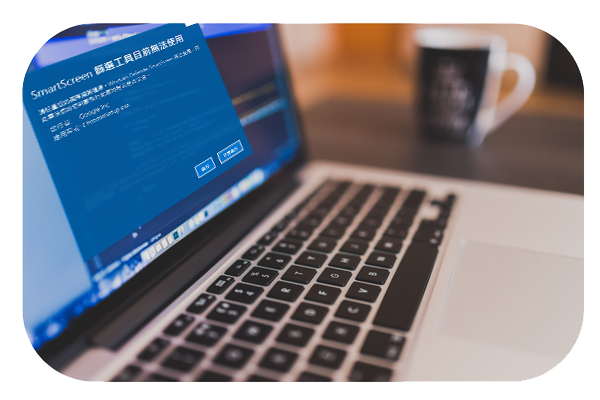
Compliant with Microsoft Authenticode, our certificates ensure smooth installation of Windows drivers and applications while eliminating “Unknown Publisher” and SmartScreen warnings.
Activate Certum Cloud-Based Code Signing TodayEnsure Your Software Meets Global Security Standards!
Benefits of Certum Cloud-Based Code Signing
Protect Software Integrity
Prevent malicious modification and secure user data.
Industry Standard Compliance
Certificates meet the latest standards, including EV verification, enhancing security and compliance.
Protect Developer Reputation
Prevent software theft or misuse, safeguarding your brand and intellectual property.
Cloud Keys for Convenience
No waiting for USB keys; sign software anytime and anywhere with higher efficiency.
Boost User Trust
Users download and use your signed software with confidence. EV certificates offer enhanced authentication, increasing trust in your brand.
API Integration
Seamlessly integrate signing capabilities into existing systems for flexible CI/CD workflows without large-scale system overhaul.
Multi-Platform Support
Supports Windows, Java, Adobe AIR, and more, attracting a wider developer base and expanding market reach.
Who Should Use Certum Cloud-Based Code Signing?
"In the digital world, trust isn’t assumed — it must be earned."
From small app development teams to multinational corporations, any software that is downloaded or updated requires code signing certificates. Suitable industries include:
Software Development Companies
Prevent untrusted warnings and increase download confidence while strengthening brand trust.
IoT Device Manufacturers
Smart home devices, wearables, and automotive IoT need frequent updates; code signing ensures safe updates and protects brand reputation.
Finance and Healthcare
Ensures security of applications and device updates while complying with GDPR and other international regulations.
Gaming and Multimedia Companies
Frequent updates make security essential. Code signing prevents tampered updates and keeps trust strong in gaming and media communities.
Small and Medium Businesses
SMBs face growing supply chain threats. Cloud-Based Code Signing protects applications from misuse and builds stronger partner and customer trust.

Success Story
Jason Zheng, founder of a well-known open-source toolset, chose our Cloud-Based Code Signing solution. It improved software security and trust, ensured software integrity, and enabled users to verify authenticity. With cloud keys, he could sign software anytime without USB, saving time and streamlining verification. Full Chinese-language support ensured seamless technical implementation and after-sales assistance. View Code Signing Case Studies
Discover How Cloud-Based Code Signing Secures Your Software!
How to Apply for Certum Cloud-Based Code Signing
Step 1: Choose Your Plan
Select Standard or EV certificates and complete payment.
Step 2: Identity Verification
Provide required documents via the Certum verification link.
Step 3: Certificate Delivery (Cloud HSM Service)
Upon successful verification, receive your certificate via QR in the SimplySign mobile app. (Link valid for 24 hours)
Step 4: Mobile Setup
Unlock your account and set the certificate as default in the mobile app for signing.
Step 5: Desktop Setup
Install SimplySign Desktop to sign software on your computer.
* Our Yuan Jhen team guides you throughout the verification and application process for a smooth experience.
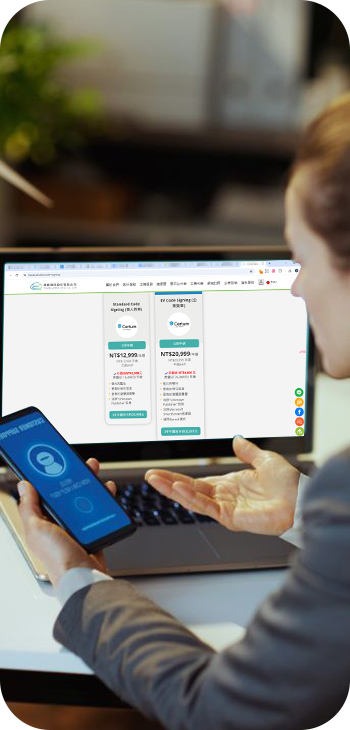
Comparison: Cloud-Based Code Signing vs. Traditional Signing
| Feature | Traditional Code Signing | Certum Cloud-Based Code Signing |
|---|---|---|
| Trusted Certificates | ✔ | ✔ |
| Automatic Key Generation | ✖ | ✔ |
| No Physical Card/Reader Needed | ✖ | ✔ |
| Mobile Access | ✖ | ✔ |
Code Signing FAQ
- Verifiable source
- Integrity of code
- Increased user trust
- Compliance with industry regulations

Get Certum Cloud-Based Code Signing Today!
For multi-environment needs, CI/CD integration, or EV Code Signing for Windows drivers, our security consultants will ensure your software meets the latest standards and gains user trust.
Yuan Jhen partners with Certum, a globally trusted digital signature brand with international security certifications, offering the best service at a competitive price.【View Customer Success Stories】
Contact us at 4499-343 (add 02 for mobile) or fill out the form for assistance.
